
Desk booking software for hybrid workplaces
Give employees a reliable way to find and book a desk, and give your workplace team a clear view of how those desks are actually used.
What is desk booking software?
Desk booking software lets employees reserve a workstation in a shared office instead of relying on a fixed, assigned desk. It is also called a desk reservation system, desk hoteling or desk sharing software, and it is the practical foundation of hot desking and activity based offices.
With Flowscape, employees book through the mobile app or web application, search by equipment and availability, and see the office on an interactive floor plan before they choose where to sit.
Why offices use desk booking
In a hybrid office, attendance changes from day to day. Without a booking system, employees walk the floor looking for a free desk, teams end up scattered, and workplace teams have limited information about how the office is actually being used.
- Employees know they have a suitable workspace before they travel to the office.
- Teams can plan office days together instead of coordinating every detail by chat.
- Workplace teams get booking and usage data to support decisions about space.
How desk booking works with Flowscape
The whole flow takes a few clicks, whether the booking is made a week ahead or on arrival.
- Find a desk. Open the floor plan or search by equipment, zone and availability. The Desk Booking wizard can also suggest a suitable desk based on the selected criteria.
- Book it. Reserve the desk for the day or for a few hours, in advance or when you arrive, for yourself or on behalf of a colleague.
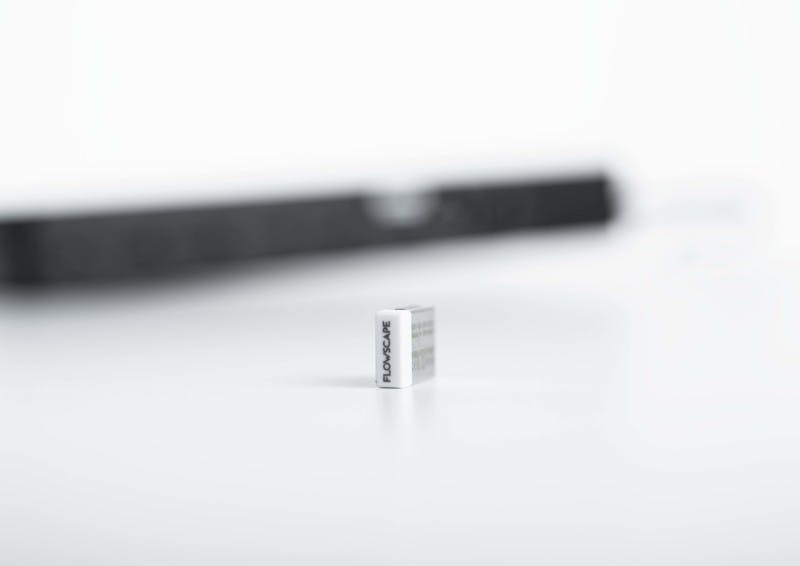
- Check in. Connect your laptop to the docking station and the USB Desk Sensor confirms the booking. Desks that nobody checks in to can be released automatically.
Book from the app or the web
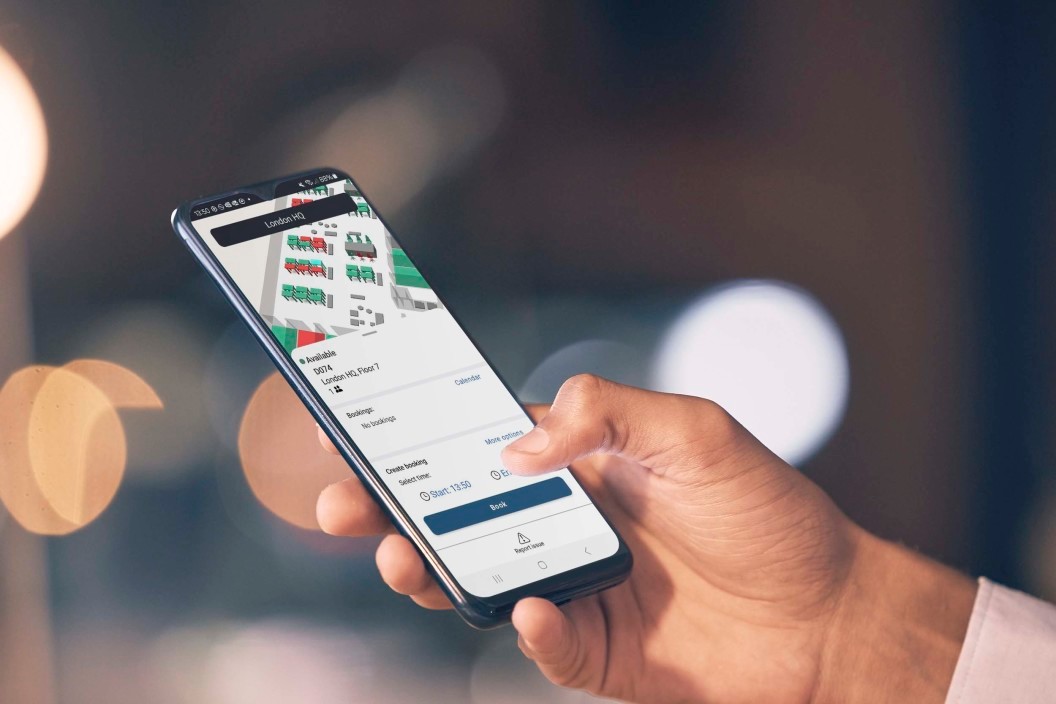
Prevent double bookings and save time. Desks can be booked directly or in advance with a few clicks. Employees can use the mobile app or web application to find a desk that fits their needs, change the booking when plans change, and find the way to the desk on arrival. Bookings are collected under My Bookings, so the desk is easy to find again.
Because the desk booking software is web-based, it can be used from different devices and locations. Meeting rooms are handled in the Room Booking System, so desks and rooms keep their own booking flows.

See the office and find your colleagues
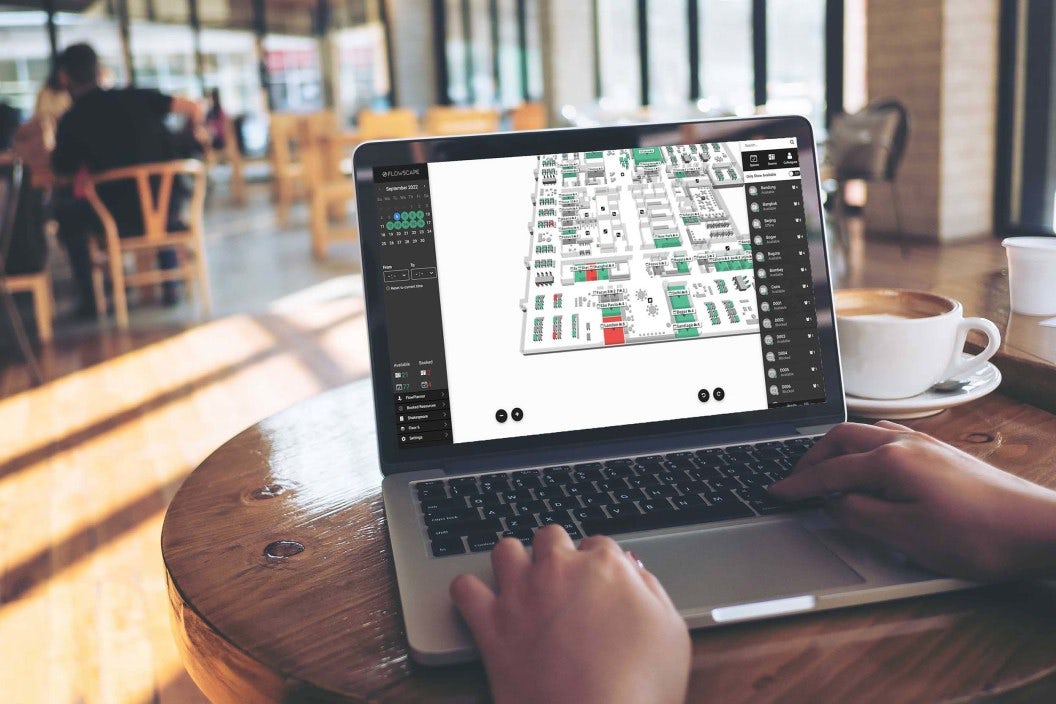
The FlowMap gives you a floor plan overview of the office and shows desks and resources as they are in real life, with clear colour indications for availability. This reduces the time spent searching for a free desk.
Once a desk is booked, the employee's name can be shown on The FlowMap. Colleagues can use the map, search function or calendar view to find each other and book nearby. FlowPlanner shows which days colleagues plan to be in the office, so teams can coordinate office days. On larger floors, the Kiosk Screen and built-in wayfinding can show the route to a booked desk.
Confirm bookings and release desks nobody uses
A common desk booking problem is not the booking itself. It is desks that are booked and then never used. That makes the office look full while seats stay empty.
Use the USB Desk Sensor to activate Automatic Desk Check-in, so desks can be released after a no-show. The Desk dongle can also book a desk automatically if no booking was made. The FlowMap then shows the desk as occupied together with the user's name. The sensor can warn a user who has taken someone else's workspace.
What you need for automatic check-in
- A USB Desk Sensor in a free USB port on the screen or docking station. It needs no batteries.
- The Flowscape software installed on the computers that should be able to check in.
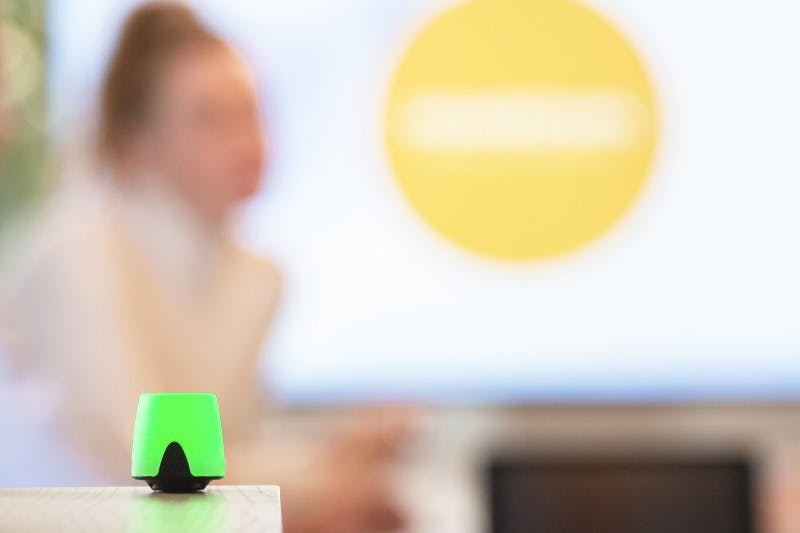
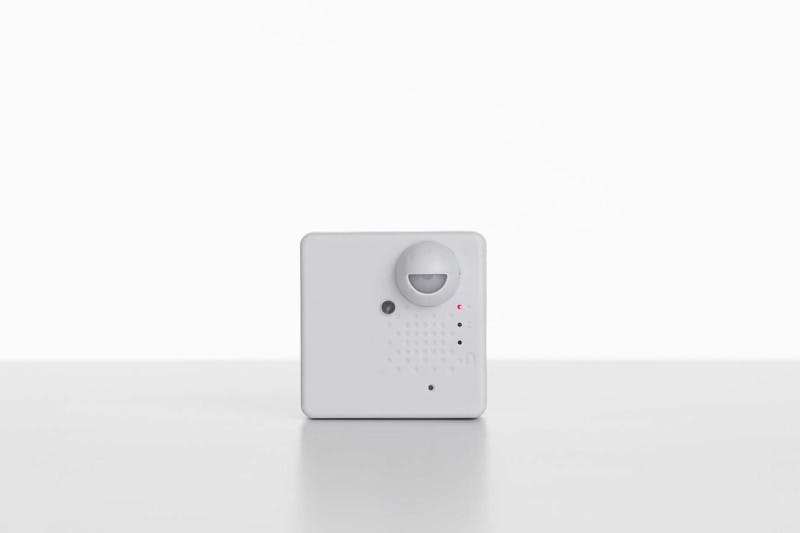
Where automatic check-in is not suitable, presence sensors can show desk status instead. Busy Lights can make it easier to see from a distance whether a desk is available.


Report desk issues from the app
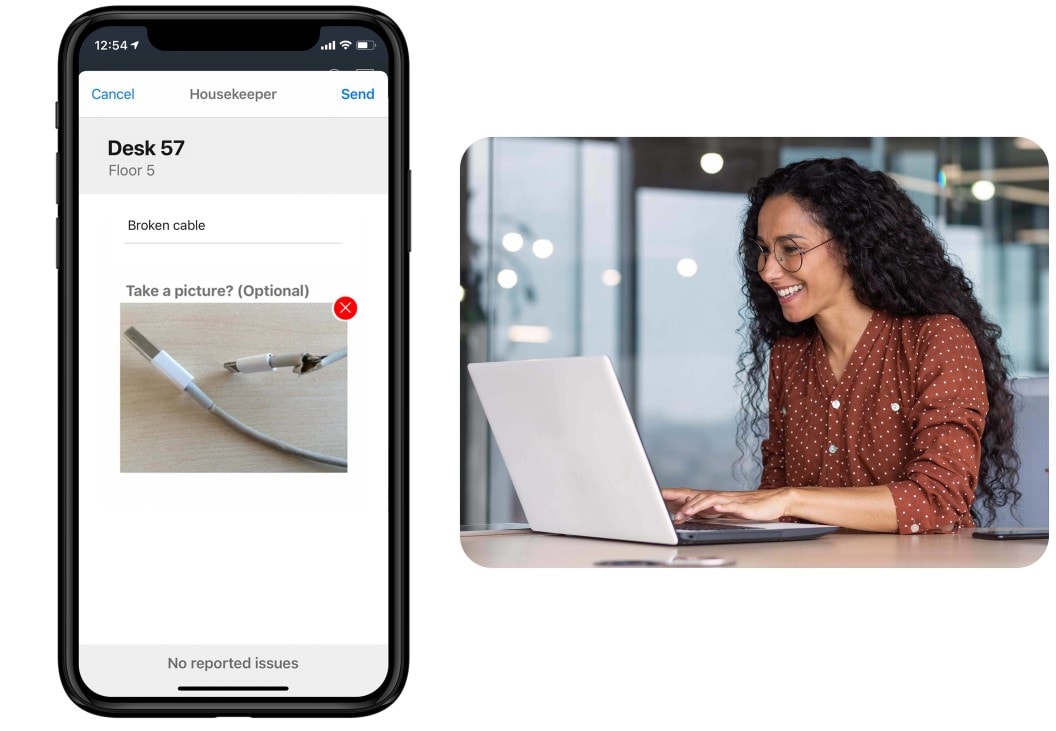
If an employee encounters an issue with a desk, they can create a fault report with a few clicks. The report is routed to the chosen destination and a visual reminder can be displayed on the map, alerting other users to the resource issue until it is resolved.

Understand how your desks are used
Bookings show what people planned. Check-in data shows what actually happened. The difference between the two gives workplace teams a more reliable basis for space decisions.
With Workplace Analytics, you can follow desk utilization over time, see which zones are busy and which stay empty, and separate booked desks from desks that were actually used. USB Desk Sensors provide data to FlowAnalytics and make it possible to compare planned and measured use. This is decision support for workplace and space planning, not monitoring of individuals.
Integrations and IT requirements
Desk booking usually needs to fit into systems your organisation already runs. Before rollout, IT will typically want to confirm identity and access, how bookings are created and changed, what data is stored, and which devices need software.
Flowscape is certified according to ISO 9001, ISO 14001 and ISO 27001. Ask the solution team to confirm the integration, identity and device requirements for your specific setup during the evaluation.
Rolling out desk booking in your office
A desk booking system works best when the office setup behind it is clear. A typical rollout includes the following steps:
- Map the desks, zones and equipment that should be bookable.
- Decide the booking rules, including how far ahead employees can book, whether zones are reserved for teams, and who may book on behalf of others.
- Agree with IT on access, installation and data handling.
- Start with a defined part of the office and adjust the rules based on what you learn.
- Introduce the app to employees and follow up on how bookings are actually used.
Choosing a desk booking system
If you are comparing systems, test the same things in every demo: how fast an employee can book a desk, whether the floor plan matches the real office, how booking rules are configured, what happens when someone does not show up, and what the system can tell you about desk utilization afterwards.
Our guide to choosing desk booking software explains the evaluation criteria in more detail.
Frequently asked questions
What is the difference between desk booking and zone booking?
Desk booking means an employee reserves one specific desk. Zone booking means they reserve a place within an area, such as a team neighbourhood. Flowscape supports booking rules based on zones, so organisations can decide which desks belong to each area and who can book them.
Can employees book on behalf of someone else?
Yes. Desks can be booked on arrival, in advance or on behalf of others.
What happens if someone books a desk and does not come in?
With Automatic Desk Check-in, the desk can be released after a no-show so it becomes available to someone else and the floor plan shows the correct status.
Does desk booking work for hot desking?
Yes. Desk booking makes hot desking more predictable because employees can see availability and reserve a suitable desk instead of arriving without knowing whether one is free. Read our hot desking guide for a broader introduction.
Can we book meeting rooms in the same workplace system?
Yes. Meeting rooms are managed in Flowscape's Room Booking System, while desks keep their own booking flow. Desks and rooms can both be shown on the interactive office map.
How can desk booking improve the employee experience?
Employees can plan where they will sit before travelling to the office, find colleagues more easily, choose a desk with the right equipment, and spend less time searching for an available workspace.
The software works on its own. The hardware below adds status visibility and automatic check-in where it is needed.
Hardware for desk management
Read our Guide!
How to successfully redesign your workspace with Hot Desking solutions for maximum teamwork!


See the desk booking flow in a demo
In a demo, we show the full flow: booking a desk in the app, checking in at the desk, releasing a desk after a no-show, and the utilization report your workplace team can use afterwards.